Make New W6100-EVB Projects using TrueSTUDIO
This page introduces how to make the project for W6100-EVB with different IDEs such as STMicroelectronics TrueSTUDIO.
Make a new W6100-EVB project with TrueSTUDIO IDE
0. Download and install Dev. enviroment & compiler
TrueSTUDIO provides a free Dev. Environment incl. It include IDE and C
compiler.
Download the IDE + compiler here:
https://atollic.com/resources/download/
1. Import libraries to TrueSTUDIO IDE workspace
You should import provided projects to your new project for easy to configure.
Download the projects for W6100-EVB from
 W6100_EVB GitHub repository. After downloading,
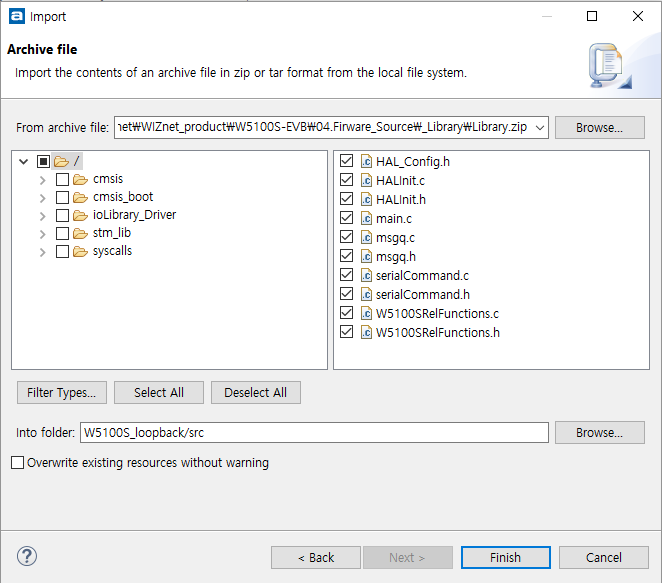
import the required project to your workspace.
W6100_EVB GitHub repository. After downloading,
import the required project to your workspace.
-
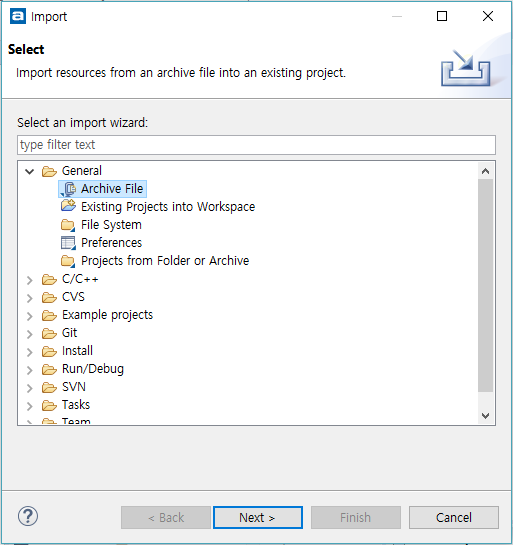
mouse right click → click to Import
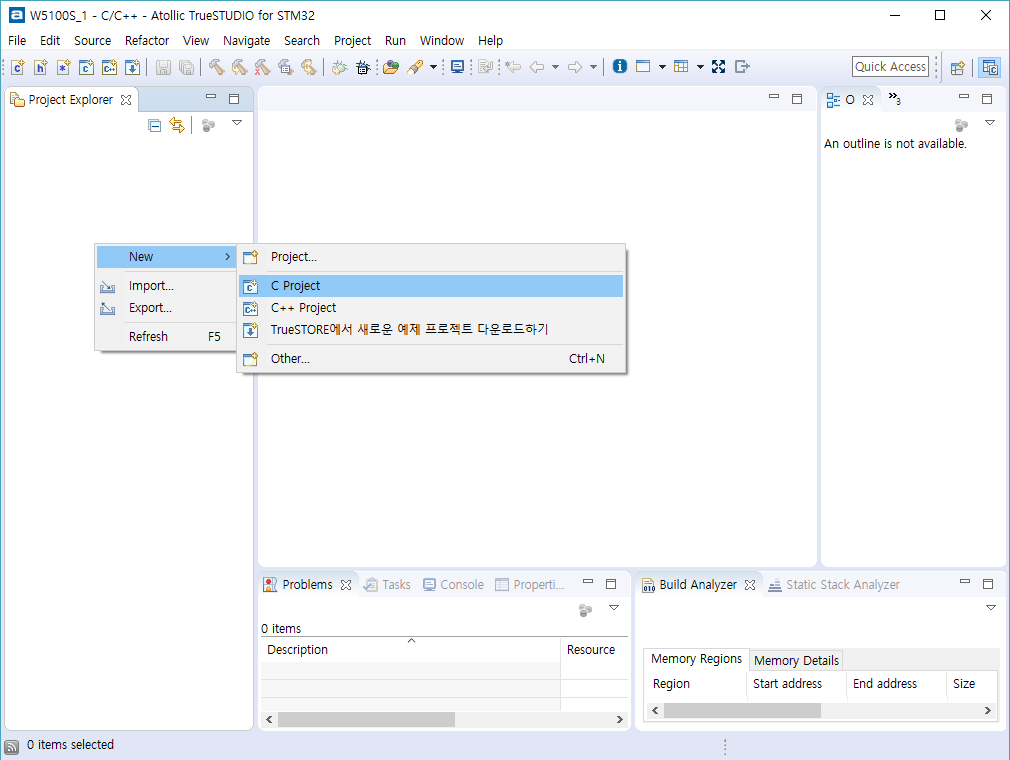
-
Select General → Existing Projects into Workspace
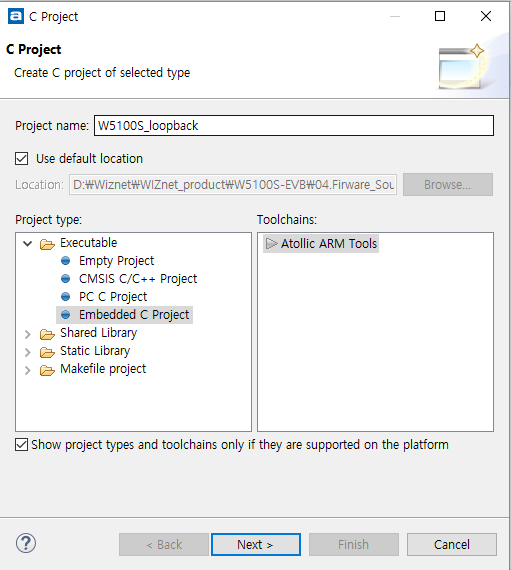
-
Select Folder from Github repository
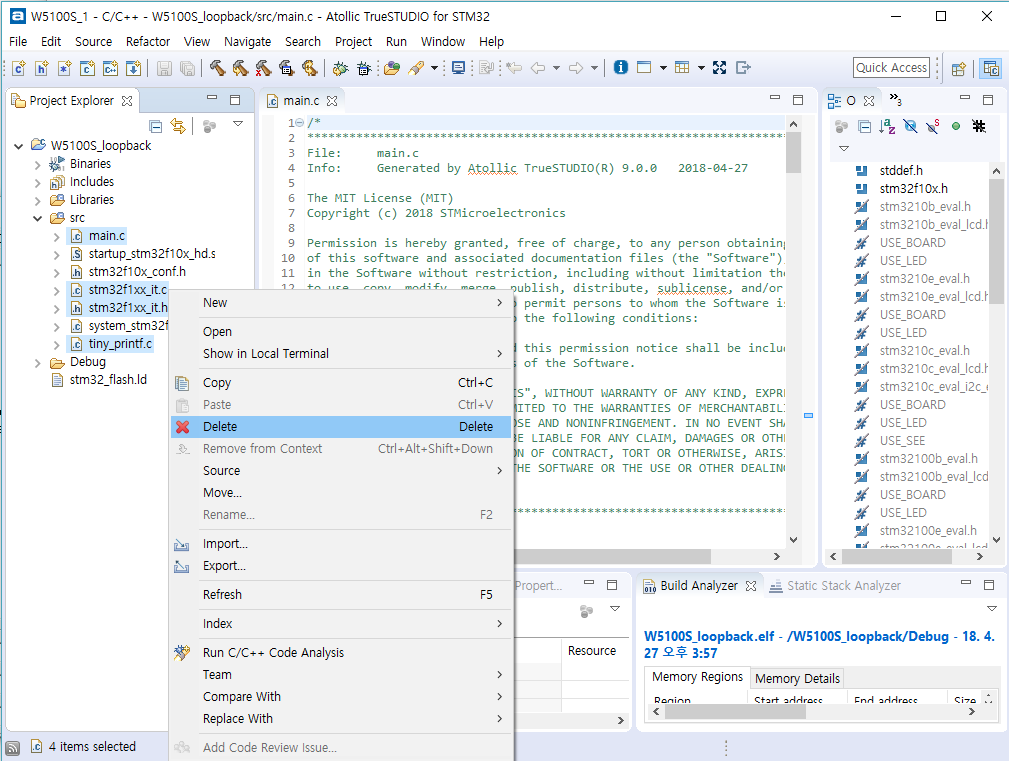
-
Click Finish
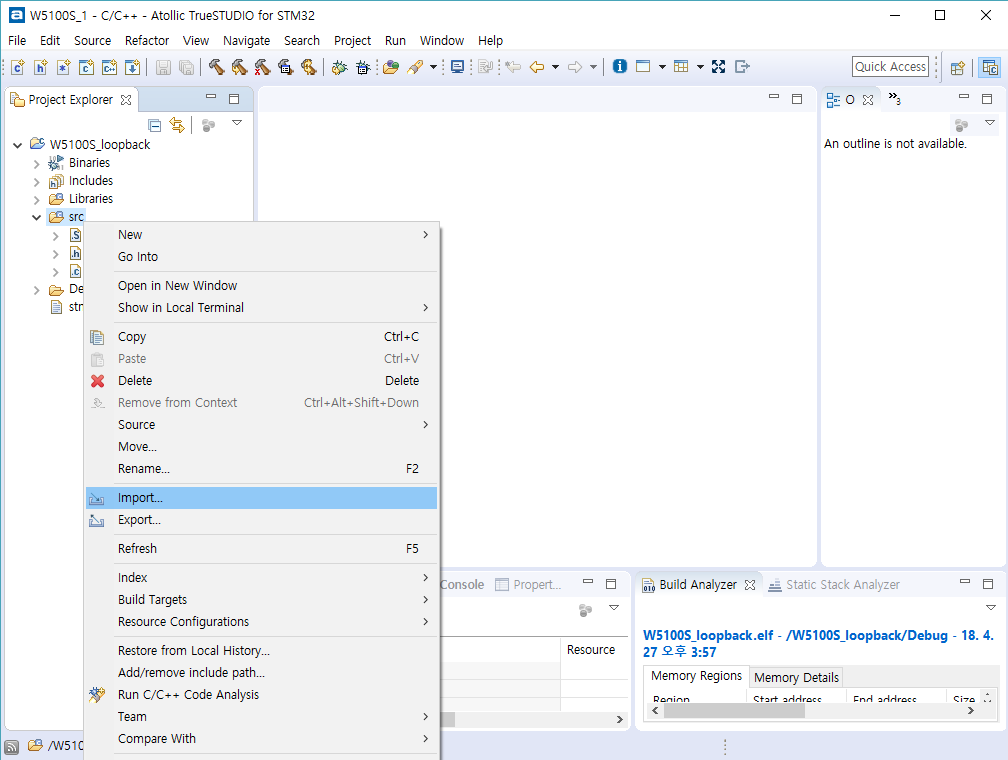
2. Project build And Complete settings
Before Complete, Users should check build project
- Project mouse right click -> Click clean project
2. Project mouse right click -> Click project build
From now on, you can make your own application project based on the
newly created project for W6100-EVB!
Enjoy W6100-EVB !!